Building the application
This is merely a feature of the chosen template, but as discussed in the last section, the pipelines we need to run are triggered by a webhook when we make a change in Git.
We have two approaches to this, one is via Dev Spaces IDE, the other is directly via GitLab.
Viewing the Source
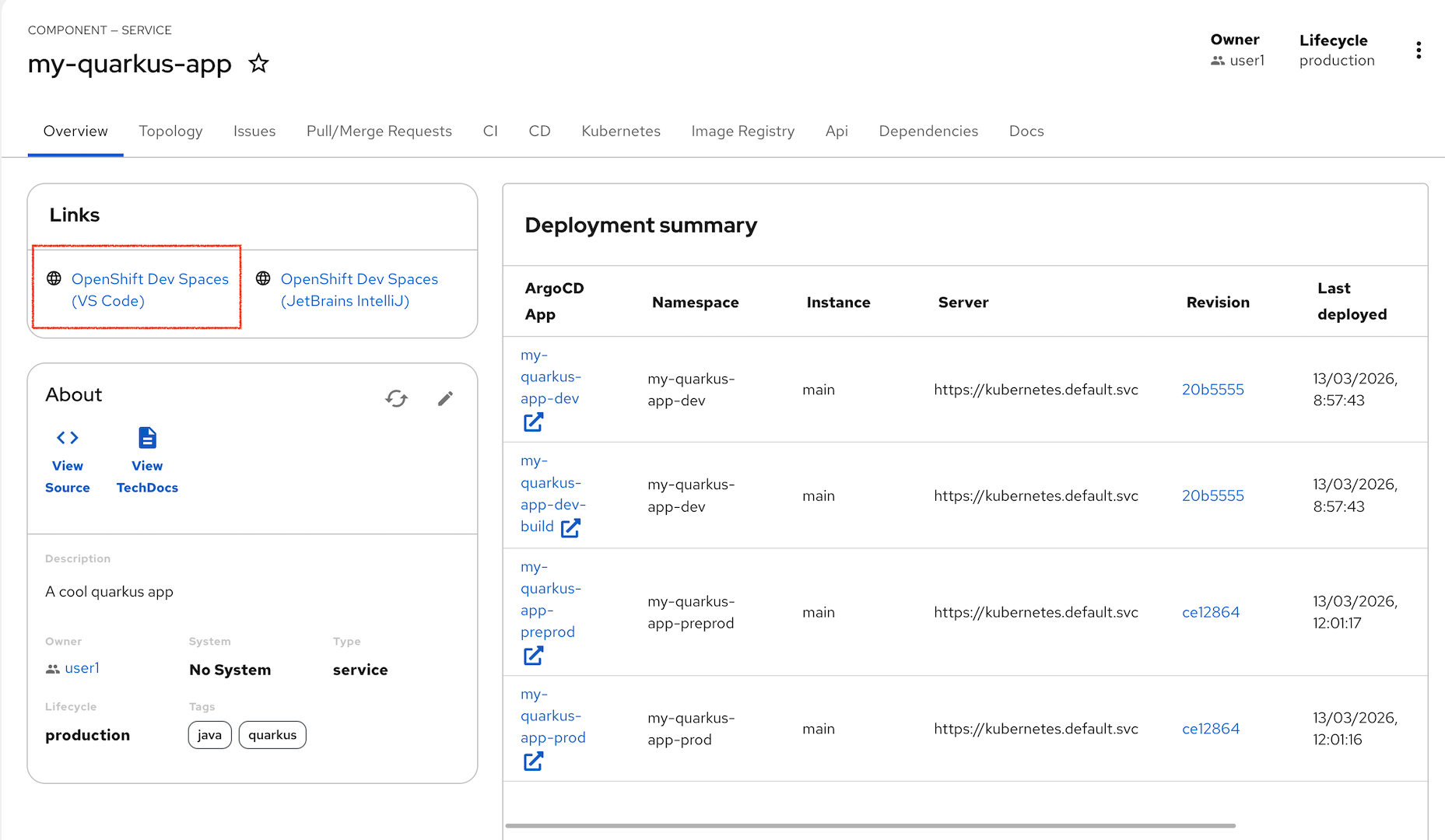
Lets use the OpenShift Dev Spaces IDE to view the Quarkus source. For first use there are a number of steps to join all theses systems together. From the Overview tab, click on the link to OpenShift Dev Spaces (VS Code)
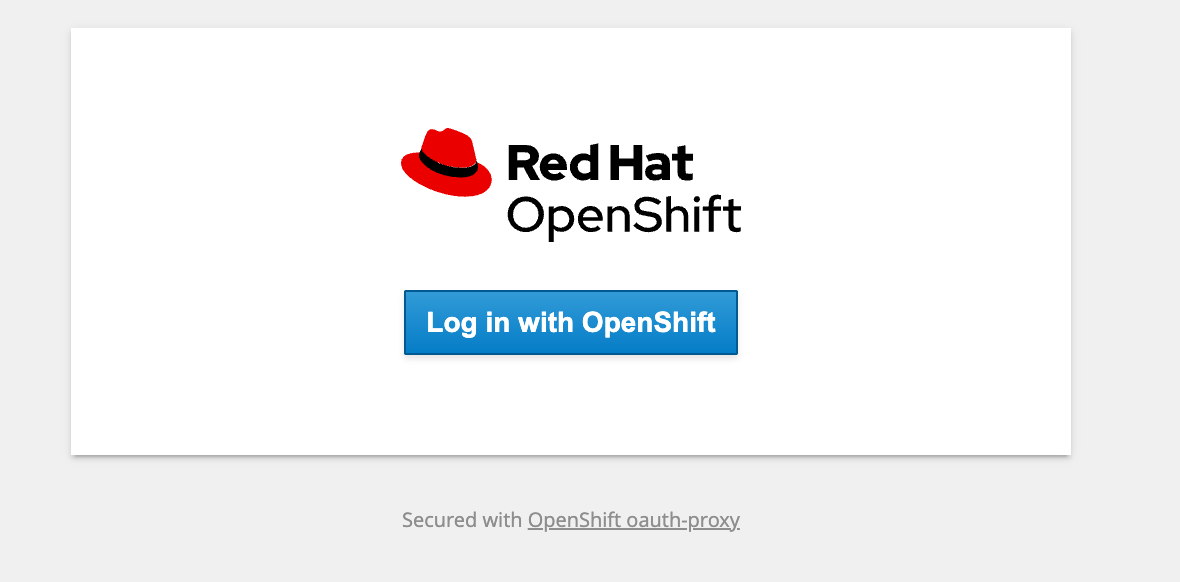
Click through the Login with OpenShift dialog
Then choose rhsso at the next screen which finally lands on a Keycloak based authentication. Use the credentials to login:
user1and the password:
%ADMIN_PASSWORD%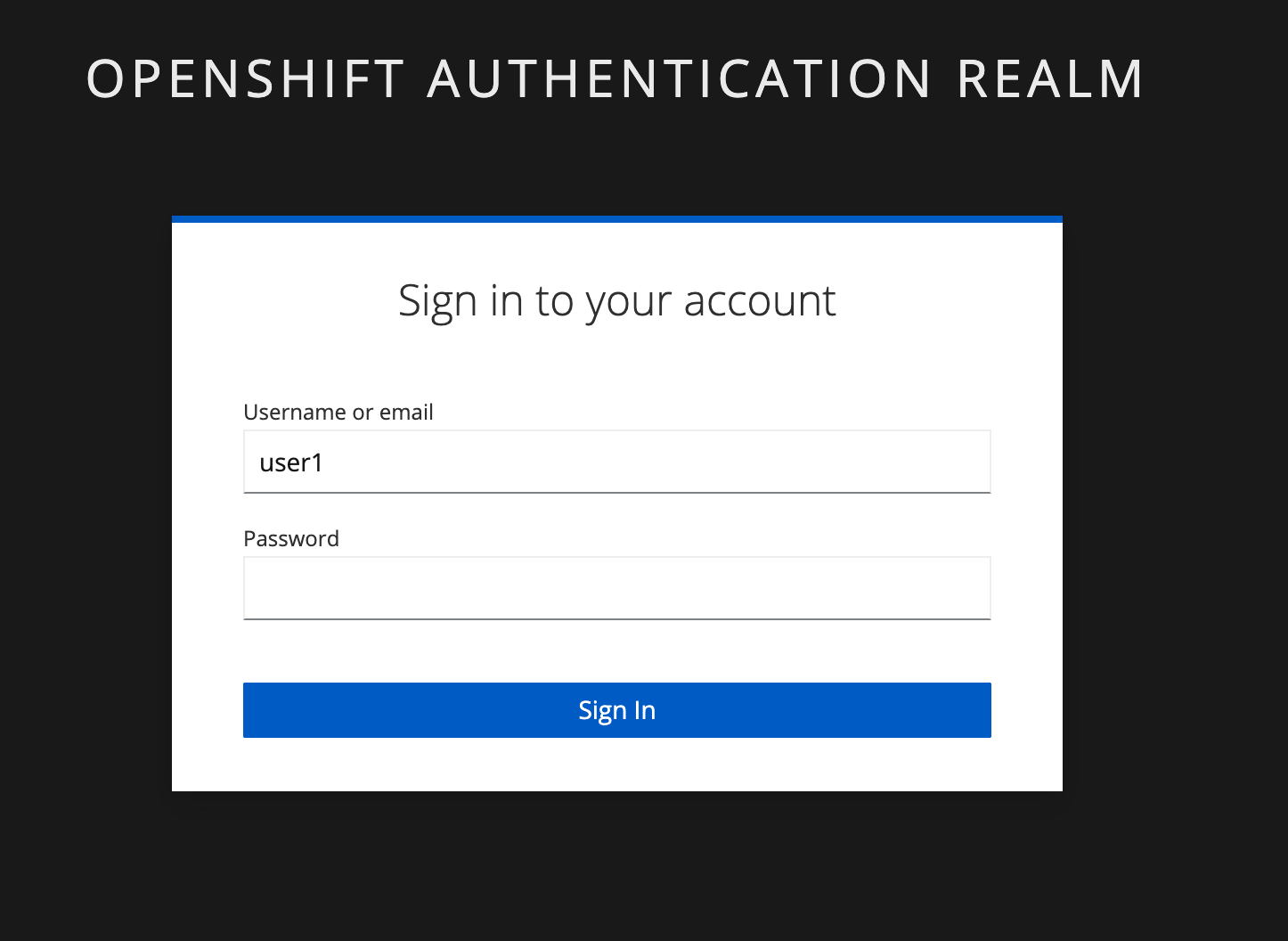
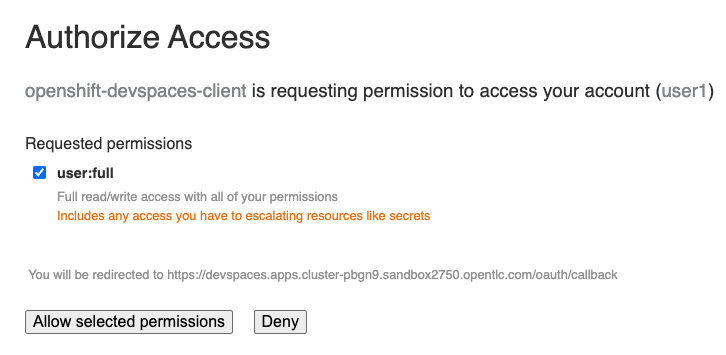
Click through the browser authorization to access openshift-devspaces-client to Allow selected permissions
Click Continue when asked Do you trust the authors of this repository since this allows the IDE to see your Git repo.
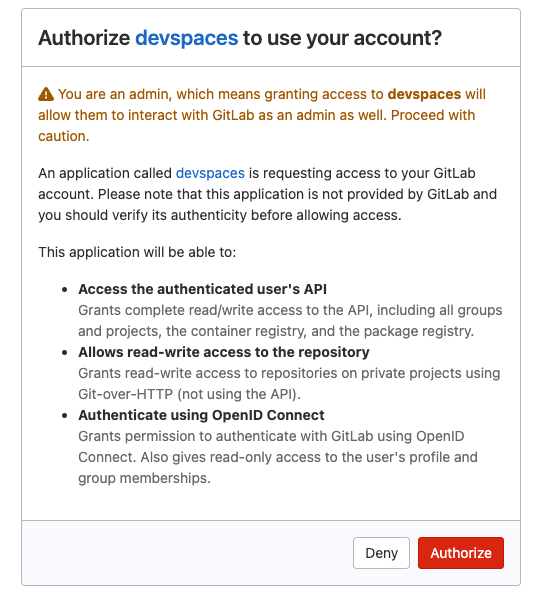
Now authorize Dev Spaces access to your GitLab account
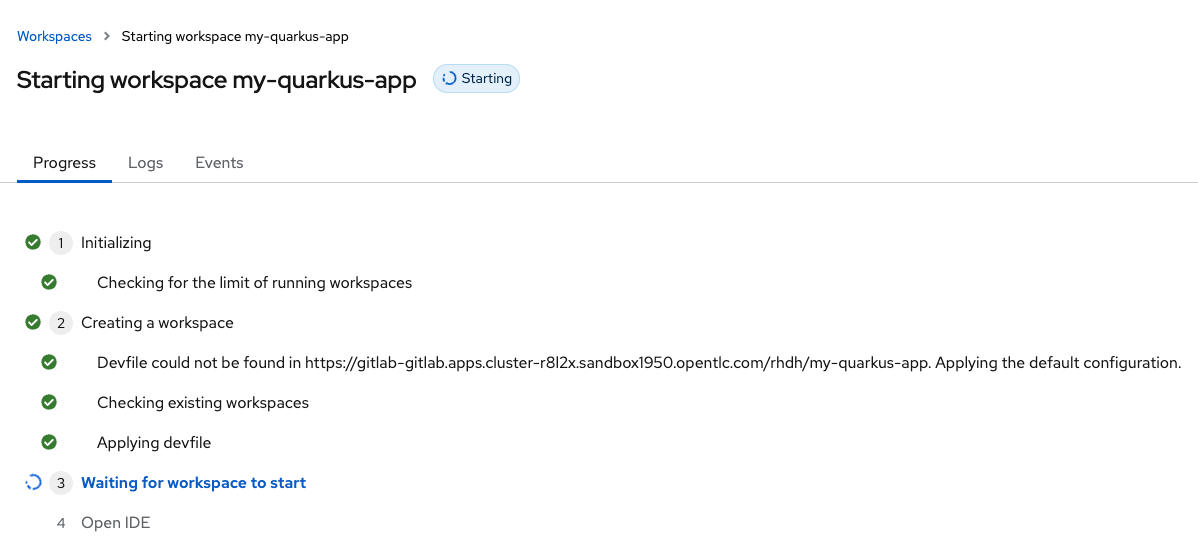
After all of this these system checks the IDE should start loading, this could take a couple of minutes to download the IDE images.
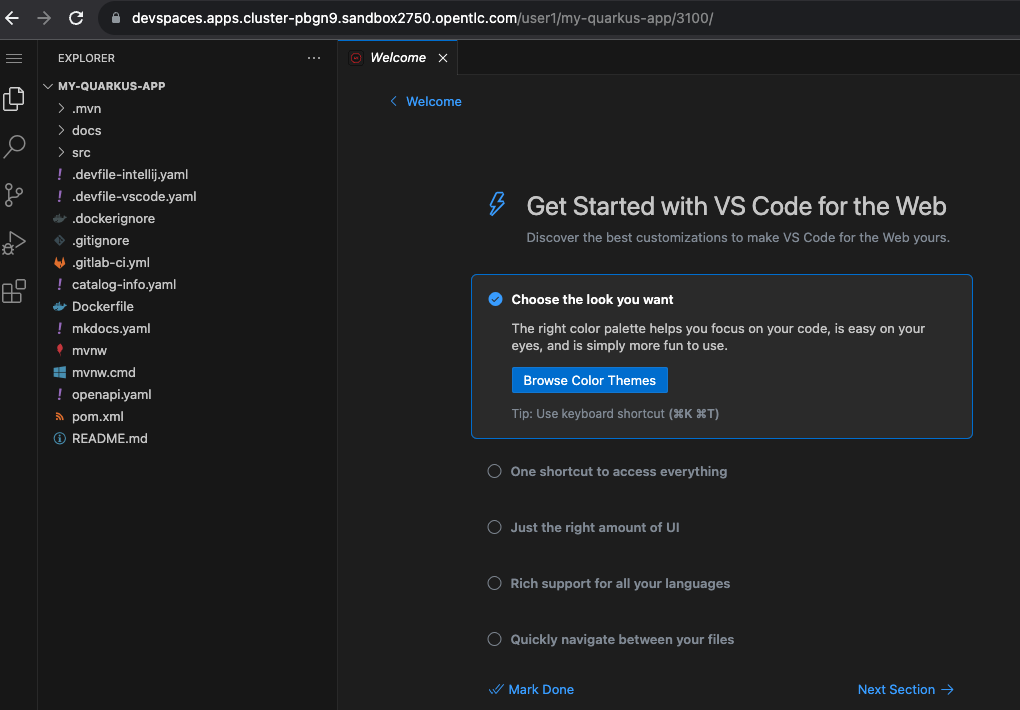
Finally the IDE should launch and you should be able to see your project in a VS Code like environment.
Making a code change
We just need to make one change and push this back to Git to trigger our pipelines. The easiest thing to change is to update one of the docs associated with the project.
Navigate to the file docs / index.md and make a change to the text in the .md file. Note these changes since we should be able to search for them later using the RHDH TechDocs Search.
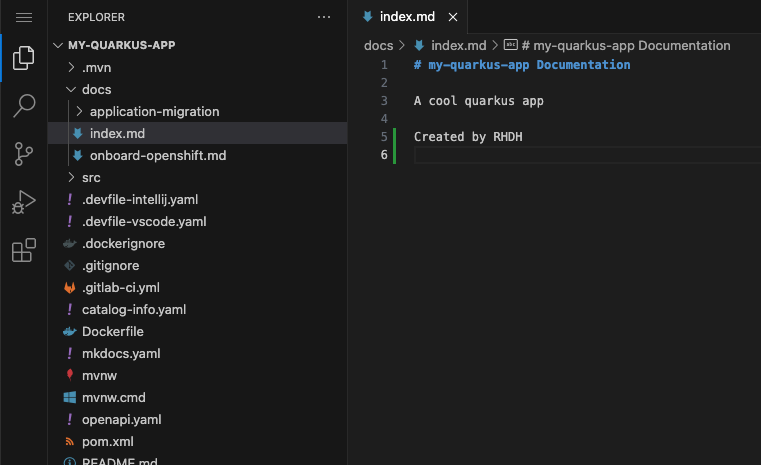
Edit the file and extend the text, for example: "A cool quarkus app written by me"
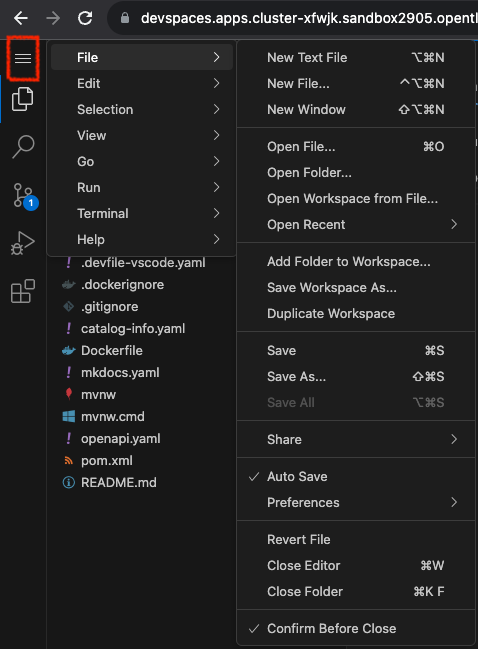
Use the file menu (use that 3 line hamburger menu on the left) to Save the changes.
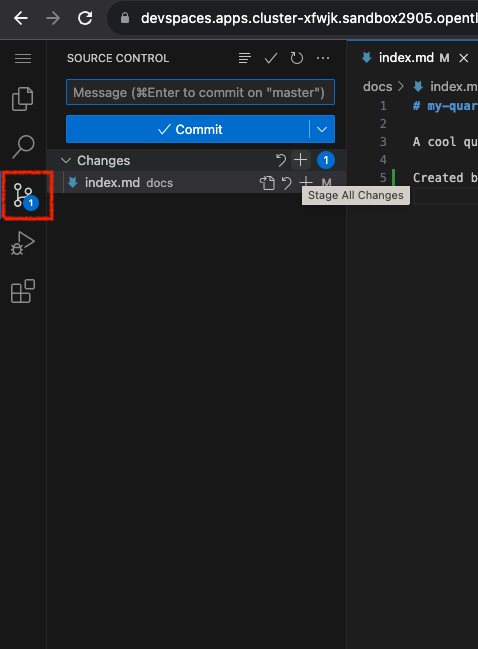
Now switch the to Git view
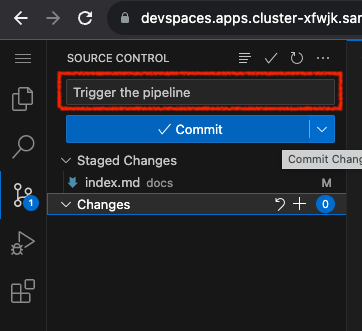
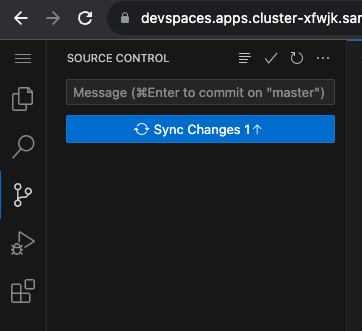
Add a comment to the commit, Click the Commit button and then Sync the changes as shown below.
Checking the Pipeline
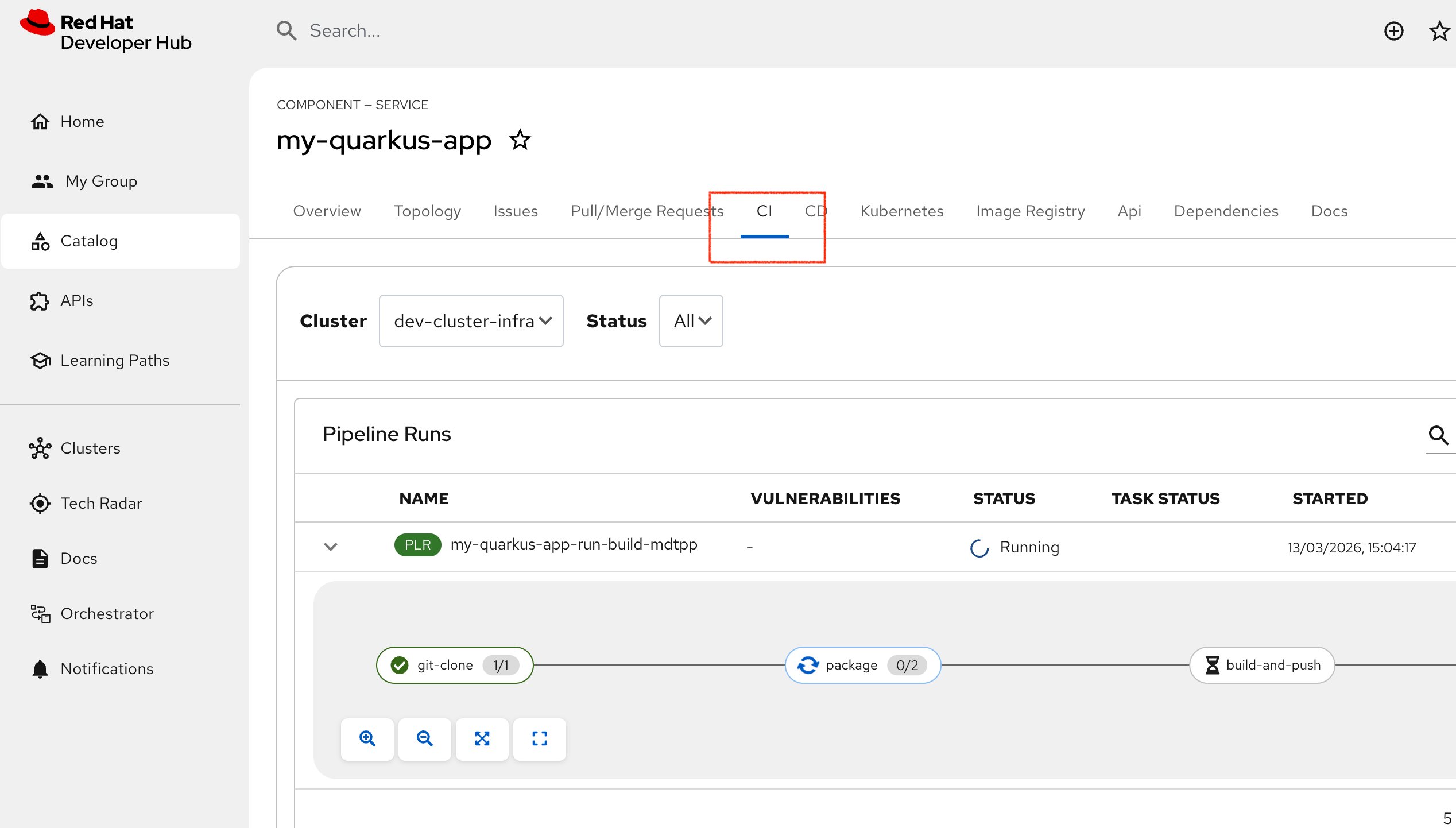
Now switch back to the RHDH application and check the CI tab. You should now see the pipeline. Expand it using the > next to (PLR) to show the build stages:
-
git-clone - clone from Gitlab
-
package - Java build
-
build-and-push - build container and push to Quay
-
resync - sync the deployment object so the application is now complete
Once the pipeline completes, the Topology view should be a little healthier with one running pod (in blue)
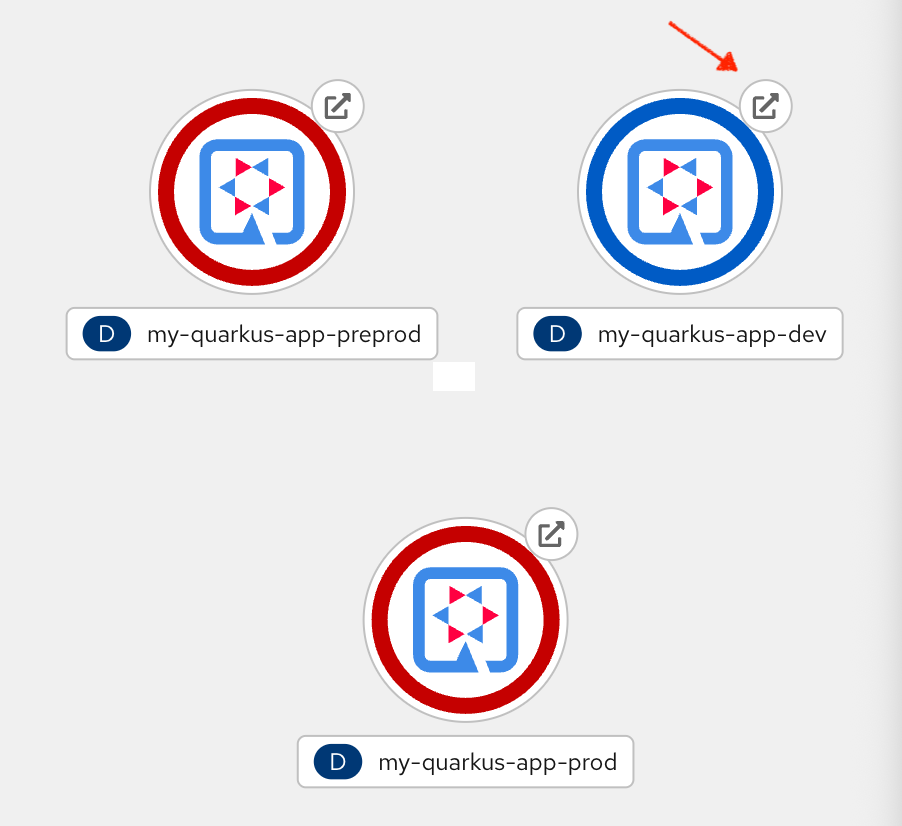
If you click on the Route arrow in the Topology view this will launch a link to the running application. This is the basic Quarkus test app so you should see this launch page in the browser:
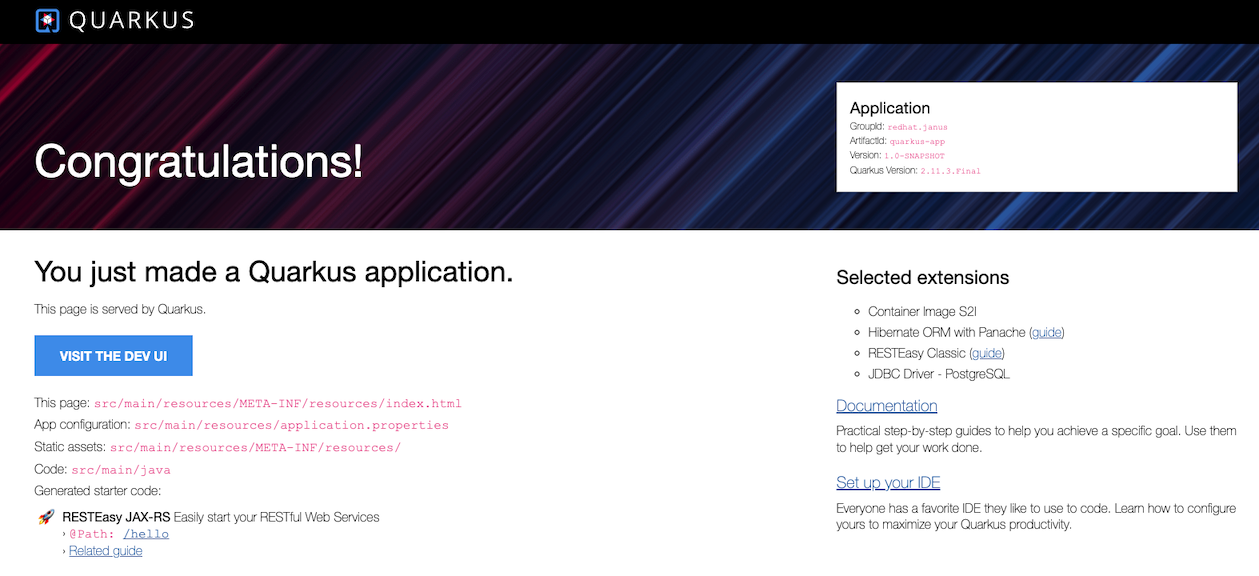
We have successfully used the template to create a whole project from source to running application. Lets refine that in the next section.