Getting Started
Access to the workshop
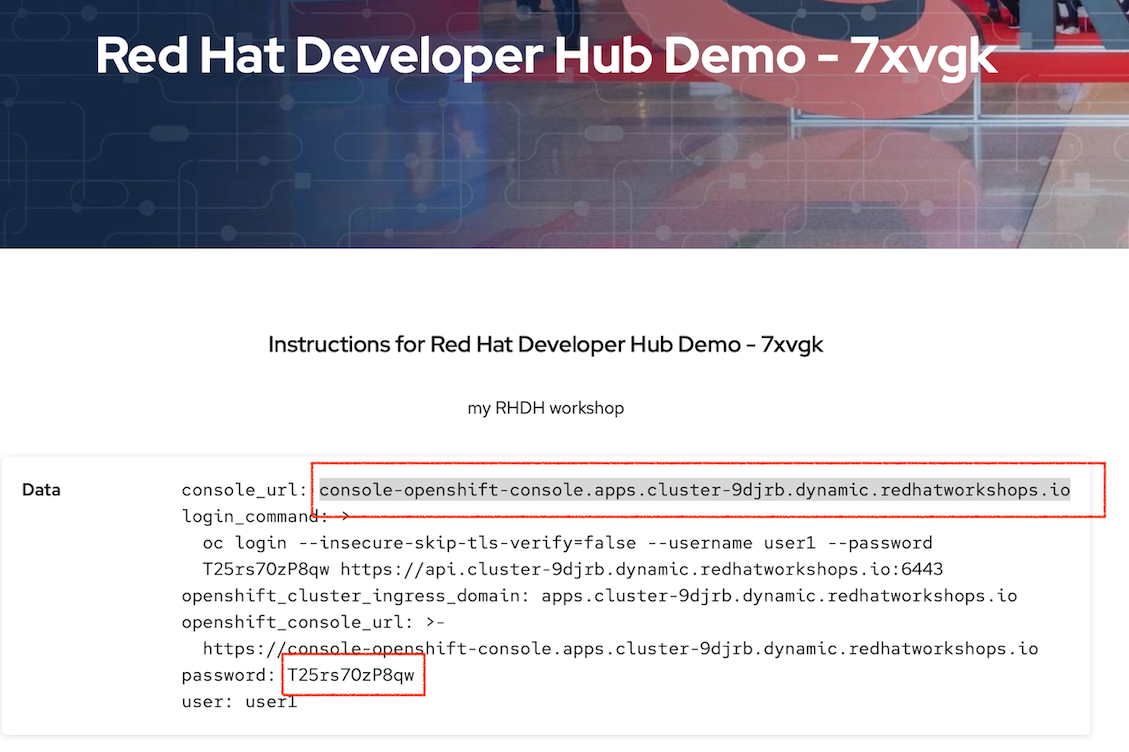
When the workshop starts you should be presented with some details to access the workshop. Those values need to be entered below so the lab guide can tailor your experience to the deployed cluster.

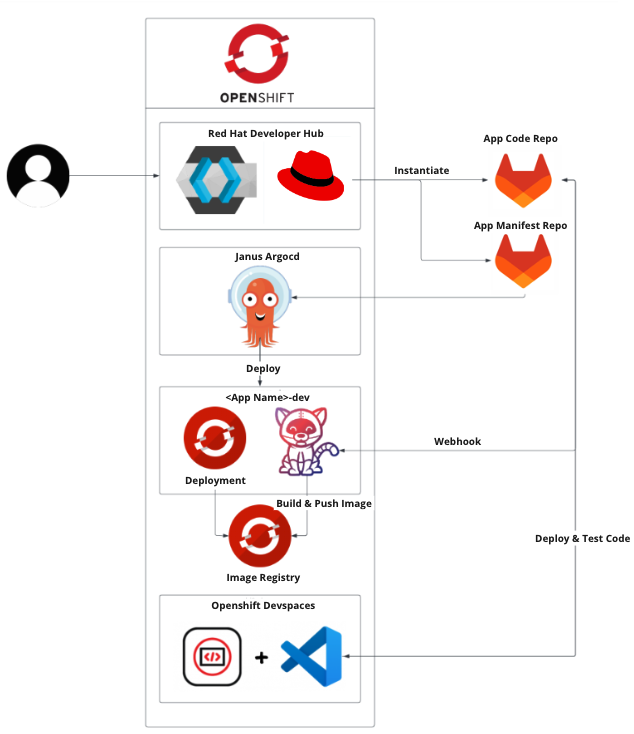
Workshop Architecture
The diagram shows all the components that have integrated with Developer Hub for this lab. Everything today is running in an OpenShift cluster. We have integrated Keycloak for authentication, GitLab as the Git repo, we use ArgoCD to orchestrate using GitOps from Git into the cluster. We use Tekton pipelines to build applications and webhooks to notify the pipelines when Git changes. Finally we use Dev Spaces as the code IDE to view and change the source code.
Login to Developer Hub
Login in to Developer Hub using this link: Developer Hub
We have configured KeyCloak to use GitLab as our identity provider.
You will be redirected to a KeyCloak page for authentication.
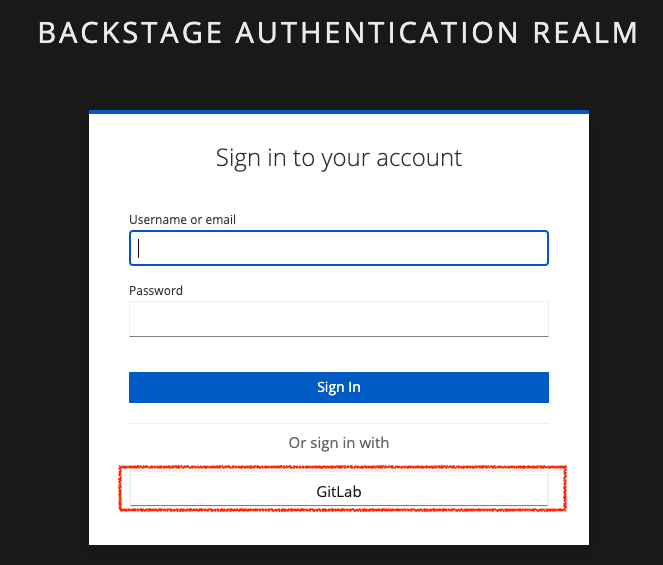
Click on the GitLab button at the bottom of the login screen. You will now be redirected to the GitLab login page.
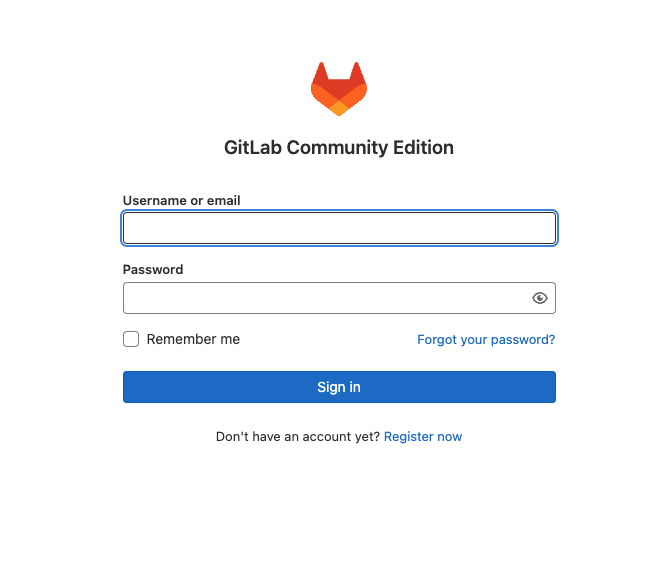
Use the credentials to login:
user1and the password:
%ADMIN_PASSWORD%Click Authorize to join Keycloak and GitLab.
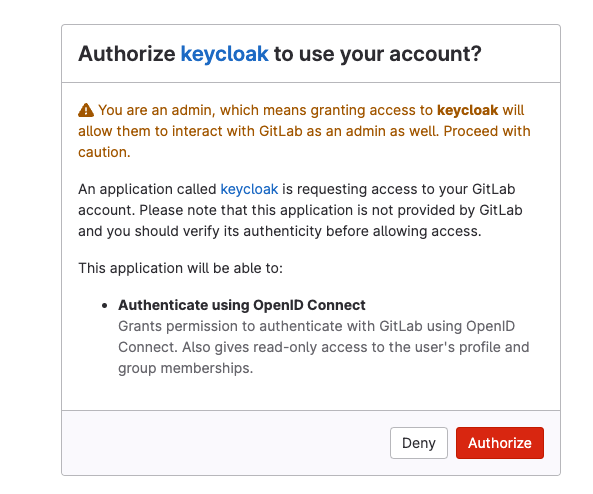
Now KeyCloak will redirect to the Developer Hub (RHDH) home screen.
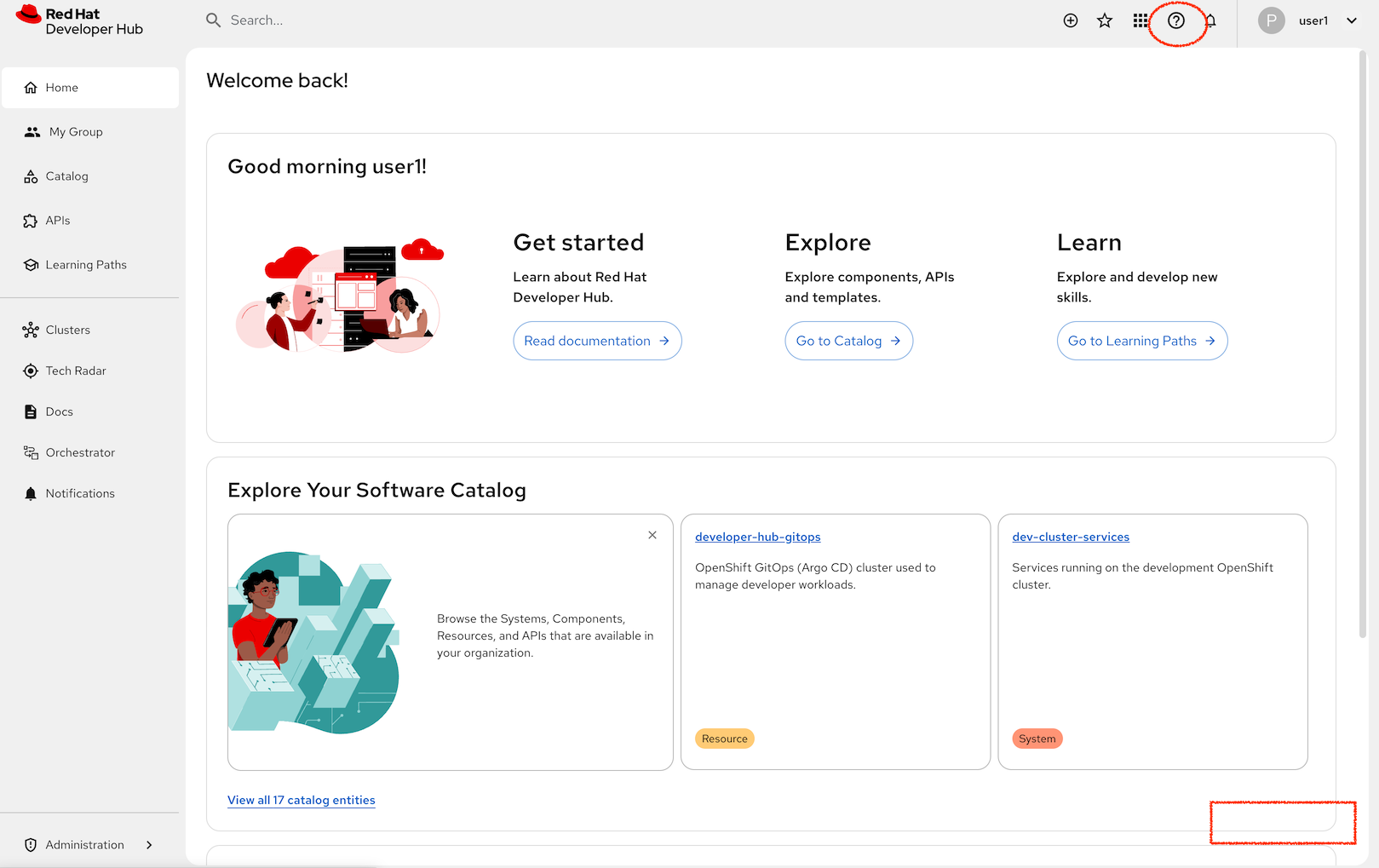
On first use Developer Hub initially displays with a Quick start side panel to the right of the screen, you can hide this using the Hide link in the bottom right of the display, this should allow you to see more information. You can toggle this back using the (?) help button.